
ShopThing Marketplace: Shipping FAQs
Congratulations on your sale! If you run into any issues while trying to ship your orders, we got you covered. If your issue is not documented here, please email shoppers@shopthing.com with a description of your question along with a screenshot of what you are seeing.
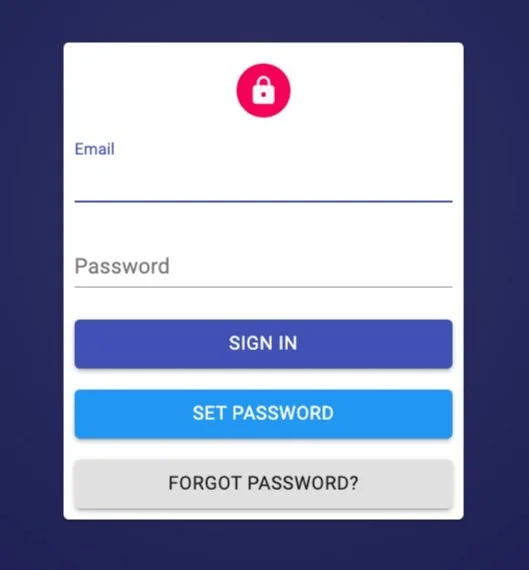
Help! I cannot log in to the ShopThing inventory system.
If you do not remember your username and password to your Seller Account, please tap on the “Forgot Password” button and follow the steps to set a new password. Please note these are the same credentials you will use to log into the ShopThing mobile application.
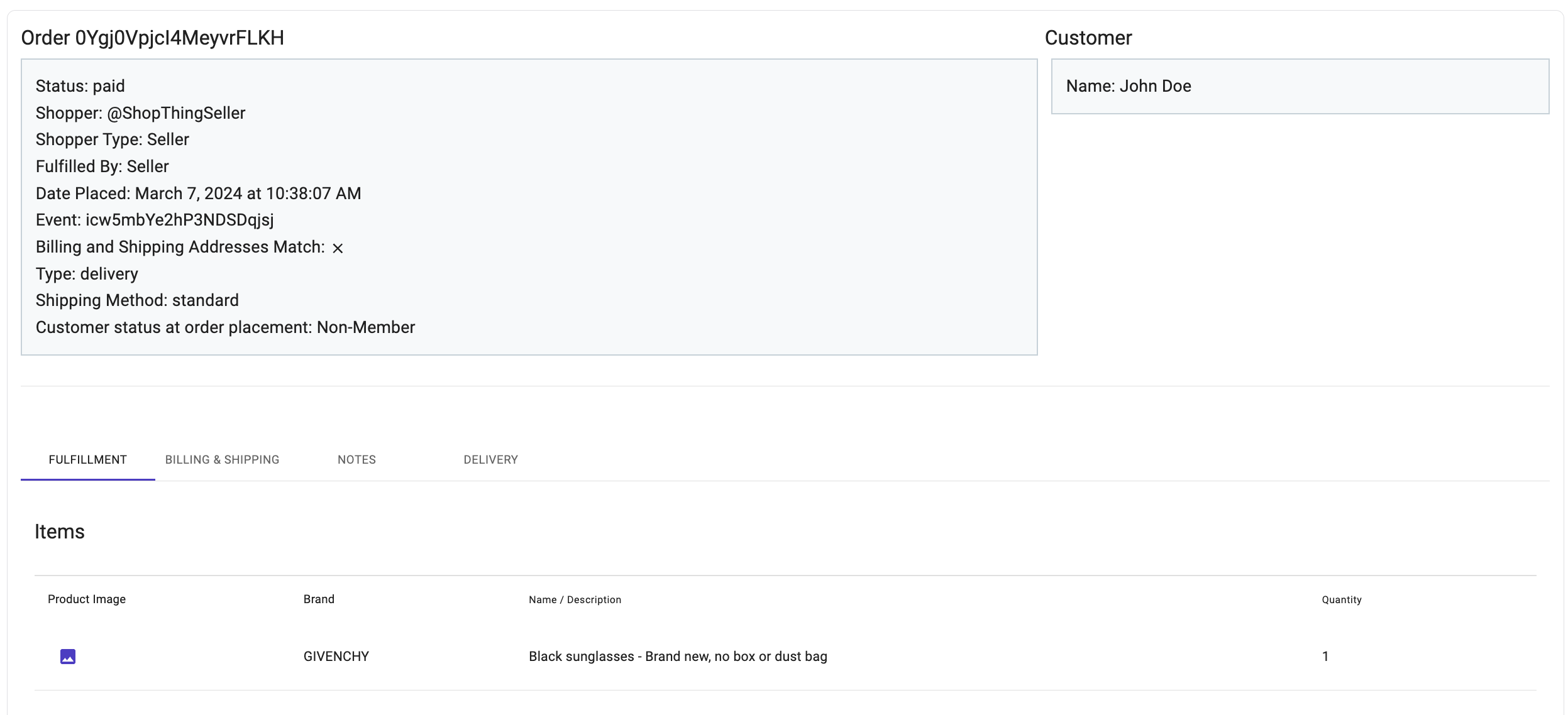
Help! I cannot generate a barcode.
If you cannot generate a barcode, please check the status of your order. If the status is “paid” it means you have not confirmed the order through the app. In order to generate a barcode, your order status has to be “confirmed.” You can only confirm products via the ShopThing Mobile App. Click here for more information.
Help! I cannot print a packing slip.
If you cannot print a packing slip, chances are that our system has flagged the customer. In this case, our customer service will reach out to the customer and request additional information to verify their purchase. If the customer has been cleared, there will be a checkmark under “Passed Fulfillment Review” and you can proceed with the process.
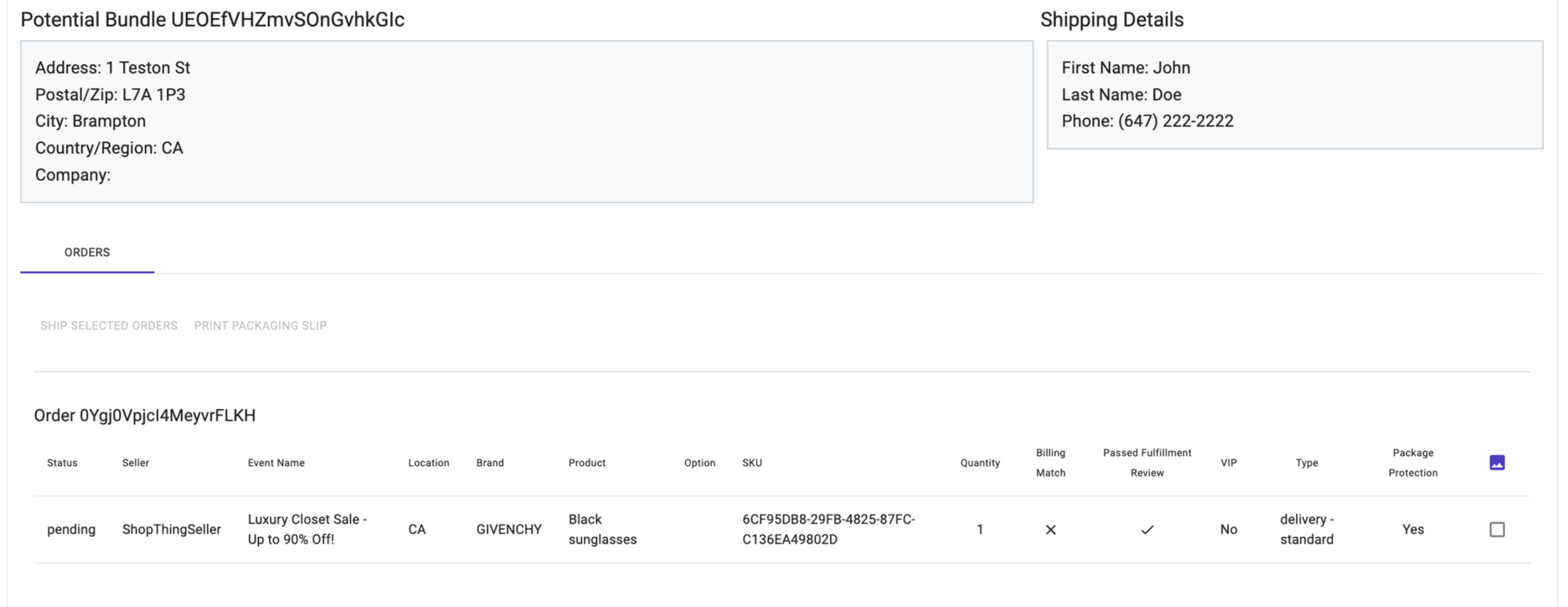
If the customer has not been cleared and we do not hear back from them, we will need to cancel their order and provide a refund. In this scenario, you will not be able to ship the product, and as such you will not receive payment from ShopThing.
Help! I tapped on a shipping rate and received the following error message: “Unable to complete shipment purchase: carrier is not responding to our request. Please try again or contact support”
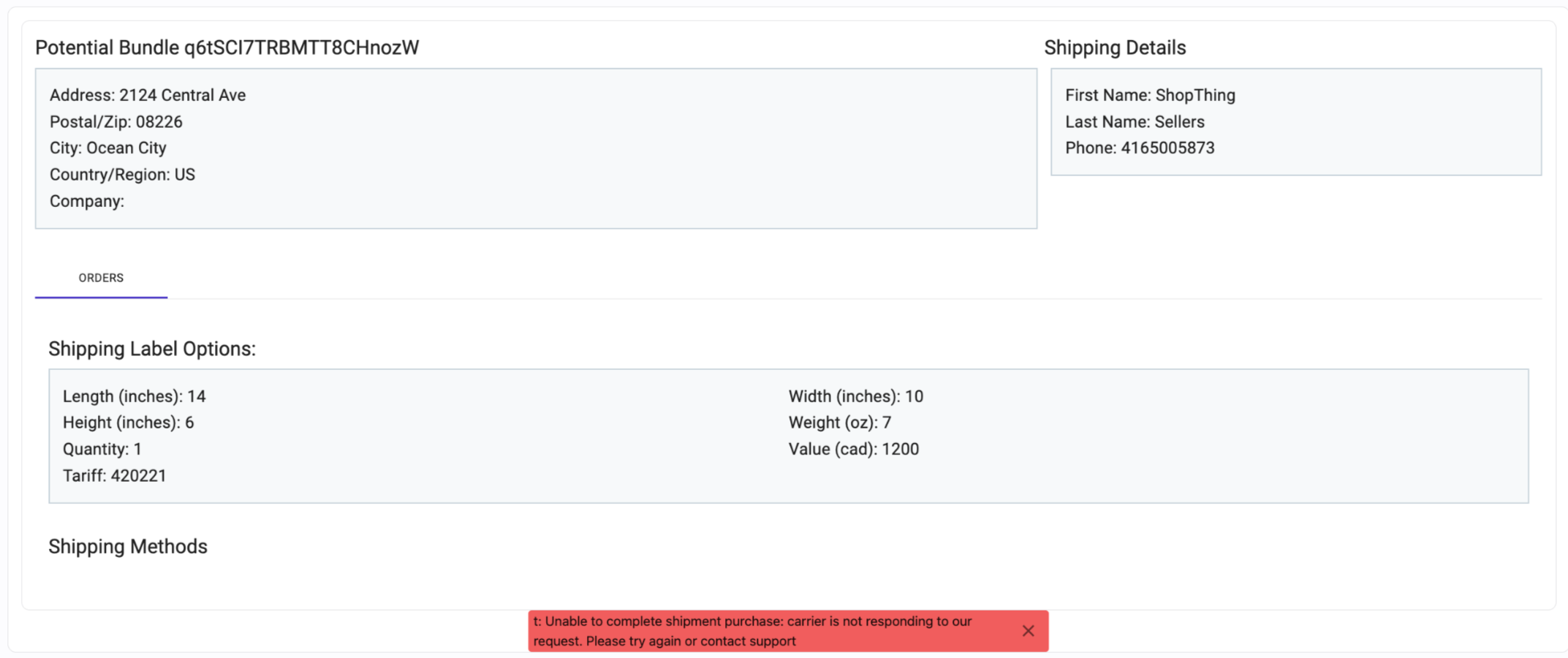
If you went through the entire process and received the error message stated above, this means that you are shipping your order across the border (either to Canada or the United States) and the description entered by ShopThing under Customs (prior to getting shipping rates) is too long. Please go back to the previous step. Please remove some of the language listed under the description OR enter a complete new description. For example:
If the original description was: Prada Black Nylon Bag with Silver Hardware and comes with Authenticity, along with a dust bag and broken box, Your modified description can be: Prada Black Nylon Bag with Silver Hardware
Help! I do not have a printer.
In order to ship your order to the customer, you are required to print the ShopThing packing slip and shipping label. Please note shipping labels can be printed on standard printer paper. Don’t worry about buying shipping sticker labels!
Creating your first sales event? click here
Ready to ship your orders? click here
Have additional questions? Send us an email.